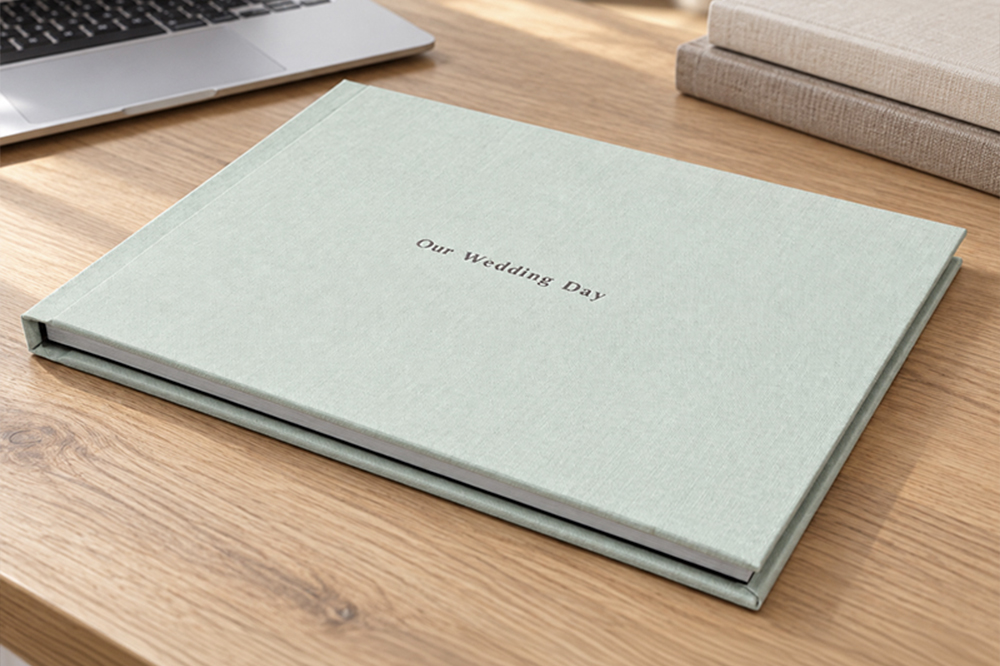

A wedding gallery can contain hundreds of photographs. Turning it into a book does not mean finding a place for every one. The book has a different job: it should take you back to the day through a sequence you enjoy revisiting. A smaller, deliberate selection is often a more useful starting point than a full folder.
Choose moments, not a quota
Start with the photographs that carry meaning: getting ready, seeing familiar faces, the ceremony, a quiet pause, speeches and the evening. Give yourselves room for personal choices that would not appear on someone else’s list. A slightly imperfect image of an important person can belong alongside a beautifully composed portrait. The aim is your story, not a checklist of standard wedding photographs.
Make a first shortlist away from the layout
Choose the images before trying to design every page. Group them into loose chapters and remove near-duplicates. When several photographs show the same moment, ask what each one adds. You can keep the rest in your digital collection. Excluding an image from the book does not mean it has lost its value.
Let the pace change
A wide scene can introduce a location, while small details help bring a reader closer. Mix busier spreads with quieter pages rather than making every page equally crowded. Give an important photograph space when it needs it. Consistent margins and a restrained approach to captions can help the whole book feel connected without making every spread identical.
Think about the centre fold
Check the format and binding of the book you choose before placing images across a spread. Even with a lay-flat format, review where faces and important details sit near the centre. A photograph should work with the page, not depend on a reader flattening or bending the book to understand it. Preview the cover with the same care as the inside pages.
Proofread in two different passes
First look at the story: does the sequence feel complete, and are the people and moments that matter represented? Then inspect the details: crop, image quality, names, dates, page order and spelling. Take a break before the second pass, and ask another person to review captions. Keep your image files and layout available so future copies can follow the same version.
Explore DS photobooks